




📱 The Same Facebook Account Works on Another Phone but Not on This One: Android WebView Incompatibility Explained
If you log into the same Facebook account on two different phones and notice that everything works perfectly on one device while the other refuses to load properly, crashes during login, shows blank pages, or gets stuck in endless loading loops, you are not dealing with an account issue, a ban, or a mysterious security restriction. You are almost certainly facing an Android WebView incompatibility, a problem that sits quietly between the operating system and the app itself and only reveals its presence under very specific conditions 🤖📵.
This situation feels especially unfair because it violates our intuition. We expect accounts to behave consistently across devices, so when one phone works and the other does not, the instinct is to suspect hardware failure or account enforcement. In reality, Facebook is behaving consistently. It is the underlying WebView component on the problematic device that cannot correctly render or authenticate critical in-app content.
🔍 Definition: What Does “Works on One Phone but Not the Other” Really Mean?
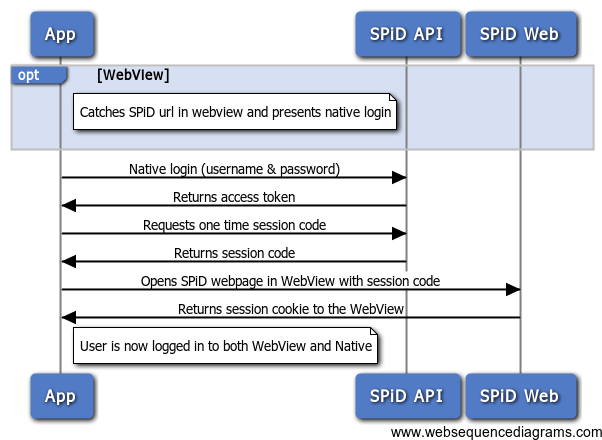
When the same Facebook account works normally on one Android phone but fails on another, it tells us something very precise: the account itself is healthy, active, and unrestricted. Facebook’s servers are accepting your credentials and responding correctly. The failure happens after authentication, during the rendering or processing of web-based components embedded inside the Facebook app.
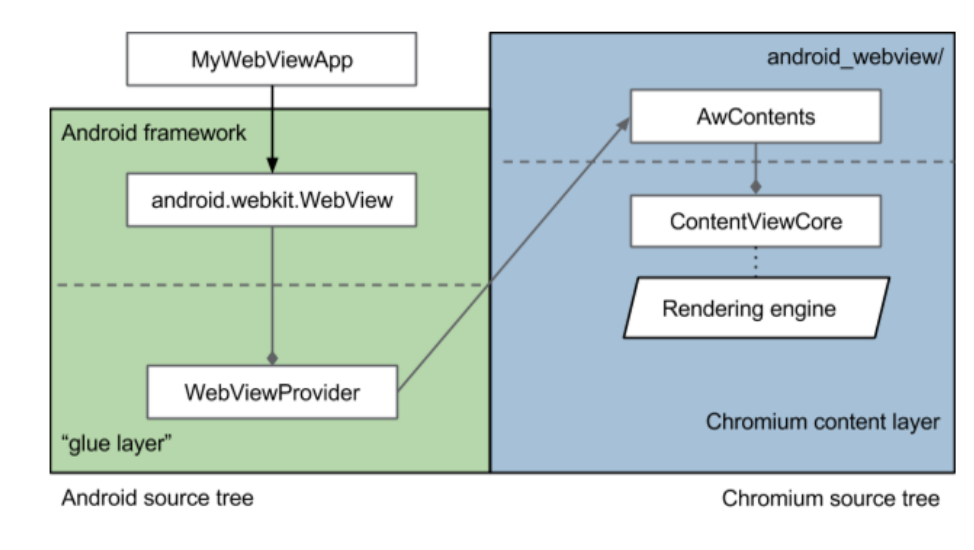
On Android, many parts of Facebook do not render natively. Login flows, consent dialogs, session validation pages, and even some feed components rely on Android WebView, which is essentially a mini browser embedded inside apps. If WebView is outdated, partially broken, or incompatible with the current Facebook app version, those embedded pages fail silently, and the app appears broken even though the backend is working perfectly 🧩.
📌 Why This Issue Is So Common and So Misleading
Android WebView is updated independently of most apps, and in some cases independently of the operating system itself. This means two phones running the same Android version can still behave very differently if their WebView implementations differ.
Facebook updates aggressively and assumes a reasonably modern WebView environment. When that assumption is violated, Facebook does not always crash outright. Instead, it fails selectively. Login may succeed, but the feed stays blank. Buttons may respond, but pages never load. Or the app may loop endlessly during authentication. To the user, this looks like a Facebook problem. To the system, it is a rendering engine mismatch ⚠️.
🧠 How Android WebView Incompatibility Is Created
WebView incompatibility usually emerges through one of several real-world scenarios. The device may have automatic system updates disabled, leaving WebView months behind current standards. The WebView package may be disabled entirely, which some manufacturers allow to save resources. In other cases, a partial update or a failed Google Play Services sync leaves WebView in a corrupted state.
Custom ROMs, heavily modified manufacturer skins, and enterprise-managed devices are especially prone to this issue. Even something as simple as clearing system app data at the wrong moment can desynchronize WebView from the rest of the system. Facebook then attempts to load a secure web-based component, and the rendering engine simply cannot keep up 😶🌫️.

🛠️ How to Identify Android WebView as the Root Cause
The most reliable indicator is device-specific failure. If Facebook works flawlessly on another phone using the same account, same network, and same app version, the account is not the issue. If switching networks, resetting passwords, or reinstalling Facebook changes nothing on the problematic phone, the problem is almost certainly systemic.
Another strong signal is cross-app behavior. Other apps that rely heavily on WebView, such as banking apps, news apps, or social platforms with embedded login flows, may show subtle glitches on the same device. These symptoms often go unnoticed until a major app like Facebook pushes the system hard enough to expose them 🧪.
A final confirmation comes from checking system components. If Android WebView is disabled, outdated, or missing recent updates, you have likely found the cause.
📊 A Real-World Example That Makes It Obvious
In one diagnostic case, a user reported that Facebook refused to load the feed on their phone, while the same account worked instantly on their partner’s device. Both phones ran Android 12. The difference was WebView. One device had automatic system updates disabled, leaving WebView several versions behind. Updating Android WebView and restarting the device fixed Facebook immediately. The user described it as “Facebook suddenly waking up,” which fits perfectly, because the app finally had a functional rendering engine again 😊.
📈 A Metaphor That Clarifies the Problem Instantly
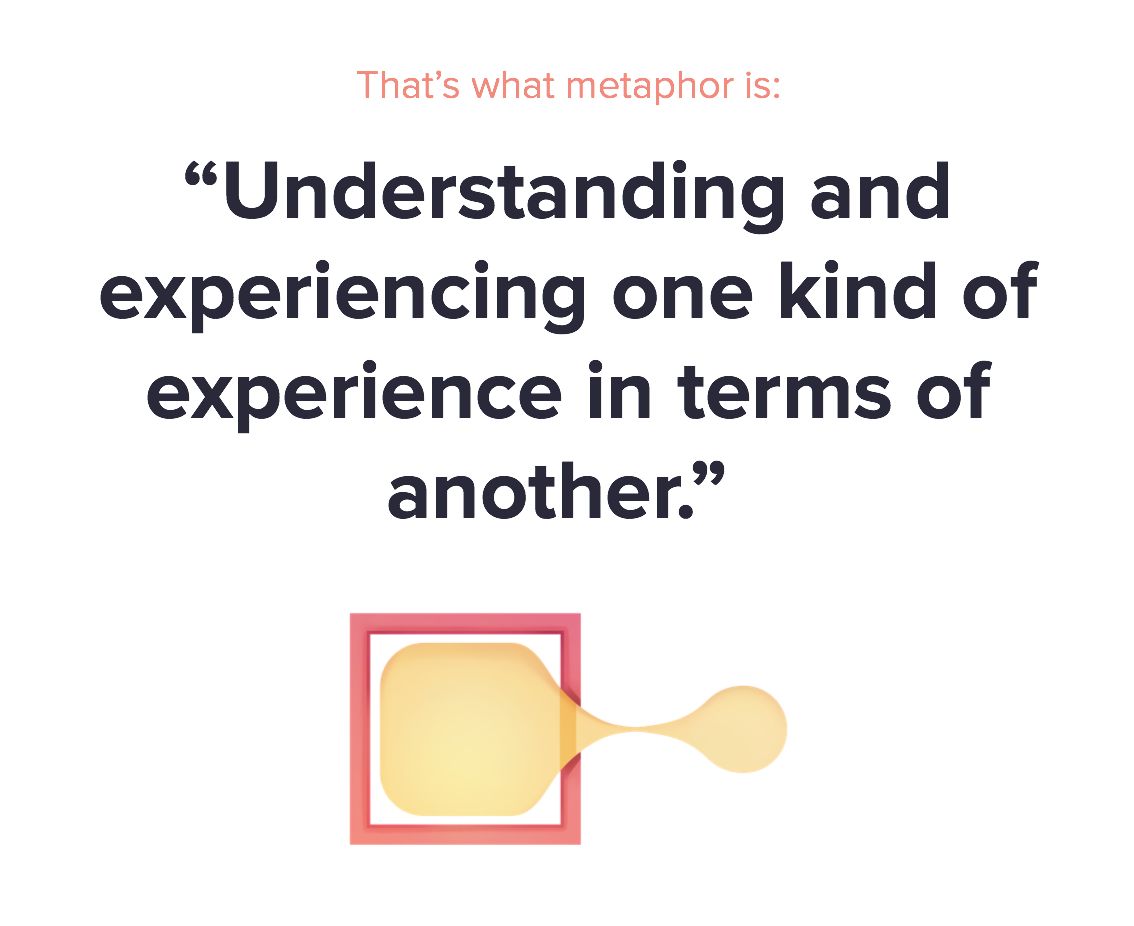
Think of Facebook as a book written in a modern language. One phone has an up-to-date translator and reads it fluently. The other phone uses an old dictionary and gets stuck halfway through every sentence. The book is fine. The reader is not. Android WebView is that translator 📖🔍.

❓ Frequently Asked Questions (FAQ)
- Why does the same account work on another phone?
Because the account is valid and the other phone has a compatible WebView. - Is this a Facebook bug?
No, it is an environment compatibility issue. - Can reinstalling Facebook fix it?
Rarely, because WebView lives outside the app. - Does Android version matter?
Yes, but WebView version matters even more. - Can WebView be disabled accidentally?
Yes, especially on manufacturer-customized Android builds. - Is this related to Google Play Services?
Indirectly, because updates often travel together. - Does factory reset help?
Only if it restores WebView to a healthy state. - Can custom ROMs cause this?
Very often, especially if WebView is outdated. - Why does Facebook fail silently?
Because rendering errors do not always trigger crashes. - Is this a security issue?
No, it is a compatibility problem.
🤔 People Also Ask
Why does Facebook open but not load content on one phone?
Because WebView cannot render embedded pages.
Can Android WebView break logins?
Yes, especially OAuth-based flows.
Why does updating WebView fix many apps at once?
Because many apps rely on it simultaneously.
Is Chrome related to WebView?
Yes, on many devices Chrome provides the WebView engine.
Should I update system apps manually?
Yes, if automatic updates are disabled.
✅ Final Thoughts
When the same Facebook account works perfectly on one phone but fails completely on another, the problem is almost never personal, punitive, or account-related. An Android WebView incompatibility creates a silent fracture between the app and the system, breaking critical rendering and authentication steps without obvious errors. Once WebView is updated, re-enabled, or stabilized, Facebook does not need to be “fixed” at all. It simply resumes working as intended, reminding us that sometimes the most stubborn app problems are not about the app, but about the invisible layers underneath it 😌📱.
You should also read these…
- sixrep.com – origin download errors how to fix them
- sixrep.com – tiktok not opening most common fixes
- sixrep.com – why you shouldnt fear the stock market crash
- spyfrogs.com – timeline wont refresh cache and network fixes for
- noepic.com – spin the wheel food choice game for friend groups
- noepic.com – dm notifications delayed notification types and ba
- godwig.com – how to care for curly hair without damage
- hogwar.com – solo travel safety tips every adventurer needs
- tugmen.com – tiktok not available in your country error
- closedad.com – false bans wrongful account suspensions